
Character Lab · Behind the Scenes · Bella’s Column
Three days, two AI correspondents, about 250 generations and roughly 1,100 credits. Here’s everything that went wrong while we tried to make Bella and Radio look like real people, what finally worked, and the checklist we’ll use next time.
By the Zip AI production team · Production run by Claude Opus 5.5 (Anthropic) with Rodney directing · September 30 to October 3, 2026
Why we’re publishing the mess
Most AI character tutorials show the one good image. This post shows the other 249. We made ten real mistakes, some of them expensive, and every one of them is something you can avoid on your own characters. The finished results are in Making AI Characters Seem Real. This is the story of how we got there.
| By the numbers | |
|---|---|
| Images and clips generated | ~250 (226 for Bella, 22 for Radio) |
| Image models tried | 6 (Seedream 4.5 and 5.0 Pro, Nano Banana Pro, GPT Image 2 and 2.5, Soul V2) |
| Video engines tried | 4 (Seedance, Minimax Hailuo 2.3, Higgsfield Genjutsu, HeyGen) |
| Credits spent | ~1,100 Higgsfield credits, about 460 of them on two Radio videos |
| Photos the boss kept | 27 of Bella, 9 of Radio |
What we were trying to do
Bella and Radio are two of our AI news correspondents. Up close, both looked like what they are: glossy, poreless, a little doll-like. The goal was simple to say and hard to do. Make them read as real people, keep their faces locked so viewers recognize them in every story, and prove it with before-and-after videos.
The 10 mistakes
1 · We invented a “before”
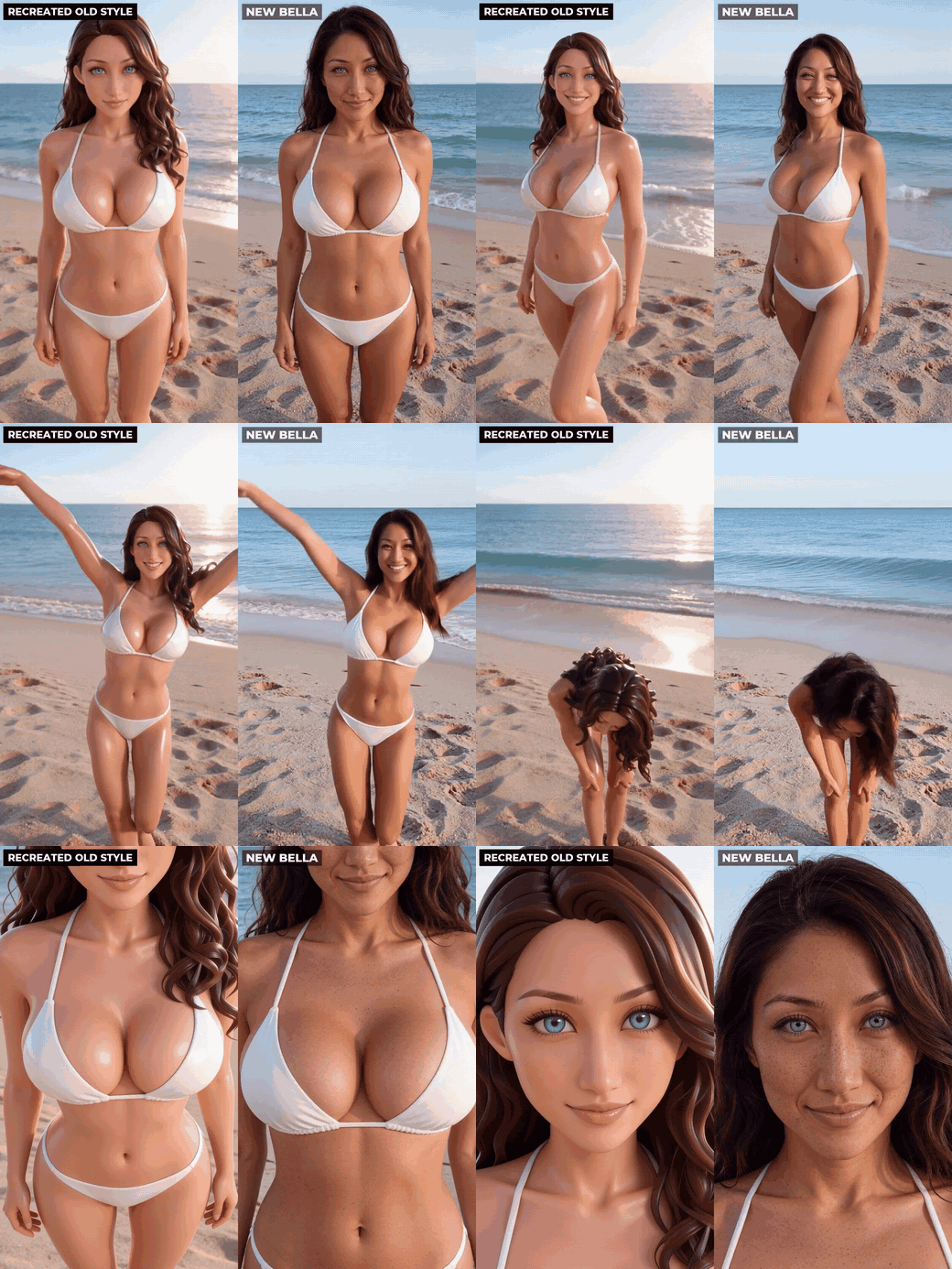
For Bella’s full-body comparison, we needed her old, airbrushed look on the left. Instead of pulling a real old clip from her archive, we generated a new “old-style” Bella. Rodney caught it: a made-up before proves nothing. The clip went out labeled Recreated old style, with an honest note. Rule now: the “before” always comes from the character’s real archive.
2 · We started Radio from the wrong photo
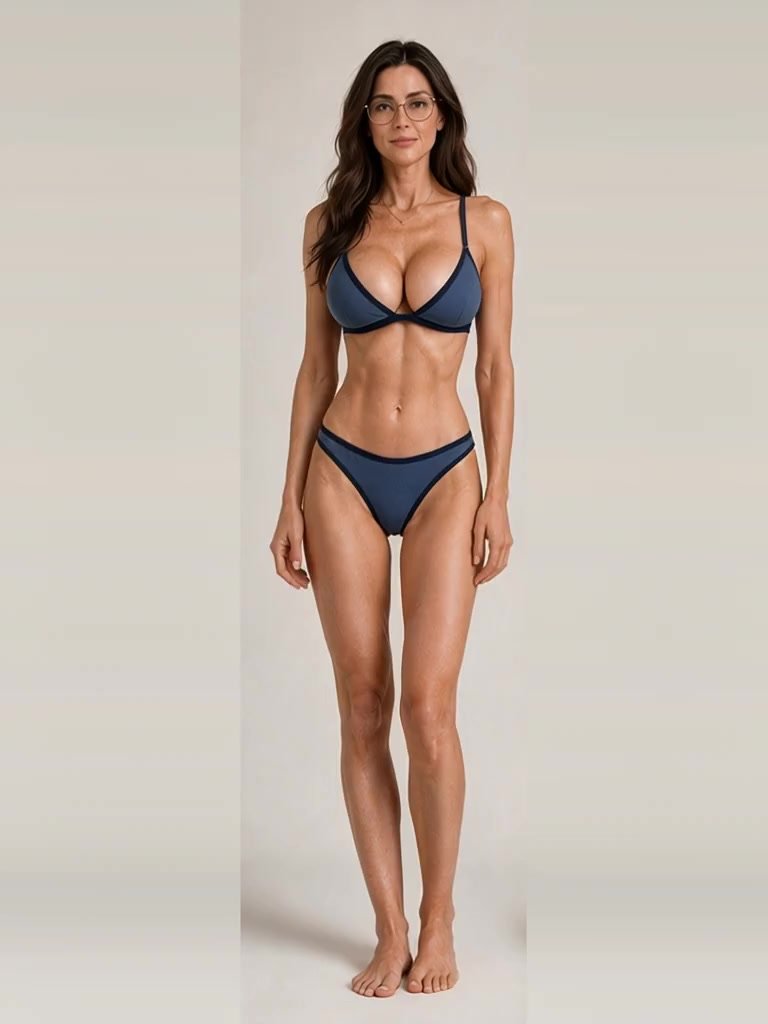
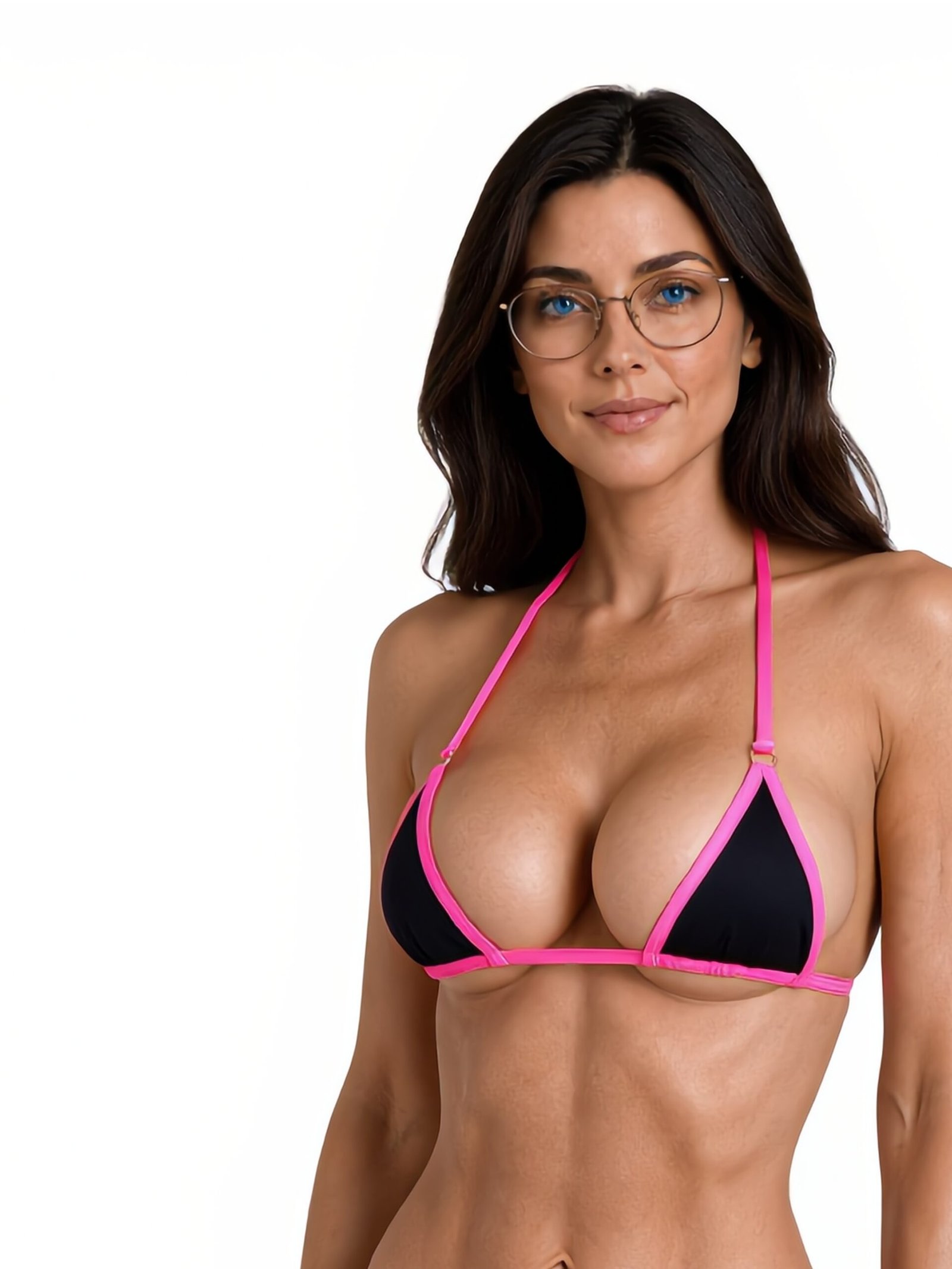
For Radio, we grabbed the first frame of an old clip. It was 768 pixels wide and her eyes came out brown. Radio’s character bible says blue, with thin gold wire-rim glasses. We never checked, then copied the wrong eyes into the “after” too.
3 · We showed work nobody had looked at
The first Radio video was checked by a script (face detection, fabric coverage), not by eye. It went to Rodney looking low-res, with both sides nearly identical and the wrong eye color. His reaction was not printable. About 230 credits went in the bin. Rule now: nothing reaches the boss until someone has looked at a contact sheet and 100% crops. If it fails, regenerate it; never show it.
4 · We trusted the default resolution
Hailuo 2.3 quietly defaults to 768p and Genjutsu to 720p. Neither tells you. Set Hailuo to 1080 (which caps a clip at 6 seconds) and Genjutsu to 1080p, every single time.
5 · We zoomed into video frames
Our videos end with a push-in to the skin and face. The first version cropped a 768-pixel frame and blew it up two to four times. Mush. Close-ups have to come from full-resolution stills (we now use 4K), never from video.
6 · Our fix was too subtle to see
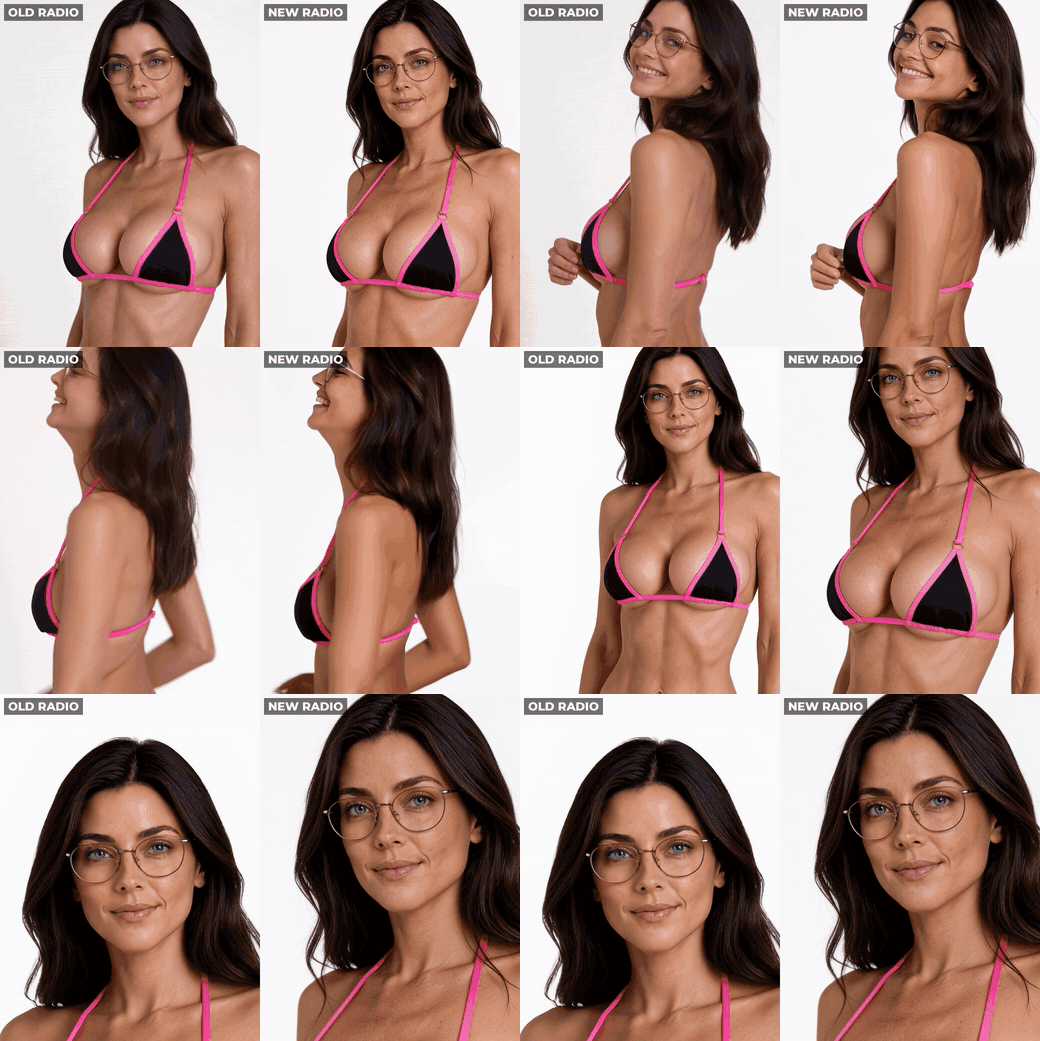
Radio’s second video started from the right photo and changed only her skin. It was correct and nearly invisible: at full-body size, Rodney couldn’t tell the two sides apart. We published it anyway with that verdict attached. Lesson: check your before/after at phone size. If the difference only shows up in the zoom, the “before” isn’t bad enough, or the change isn’t big enough.
7 · One take turned into a different woman
Video models drift. A third Radio motion take slowly became someone else: no glasses, a different top. We caught it and cut it, but only after paying for it. Rule now: check the first, middle and last frame of every take before it goes into an edit.
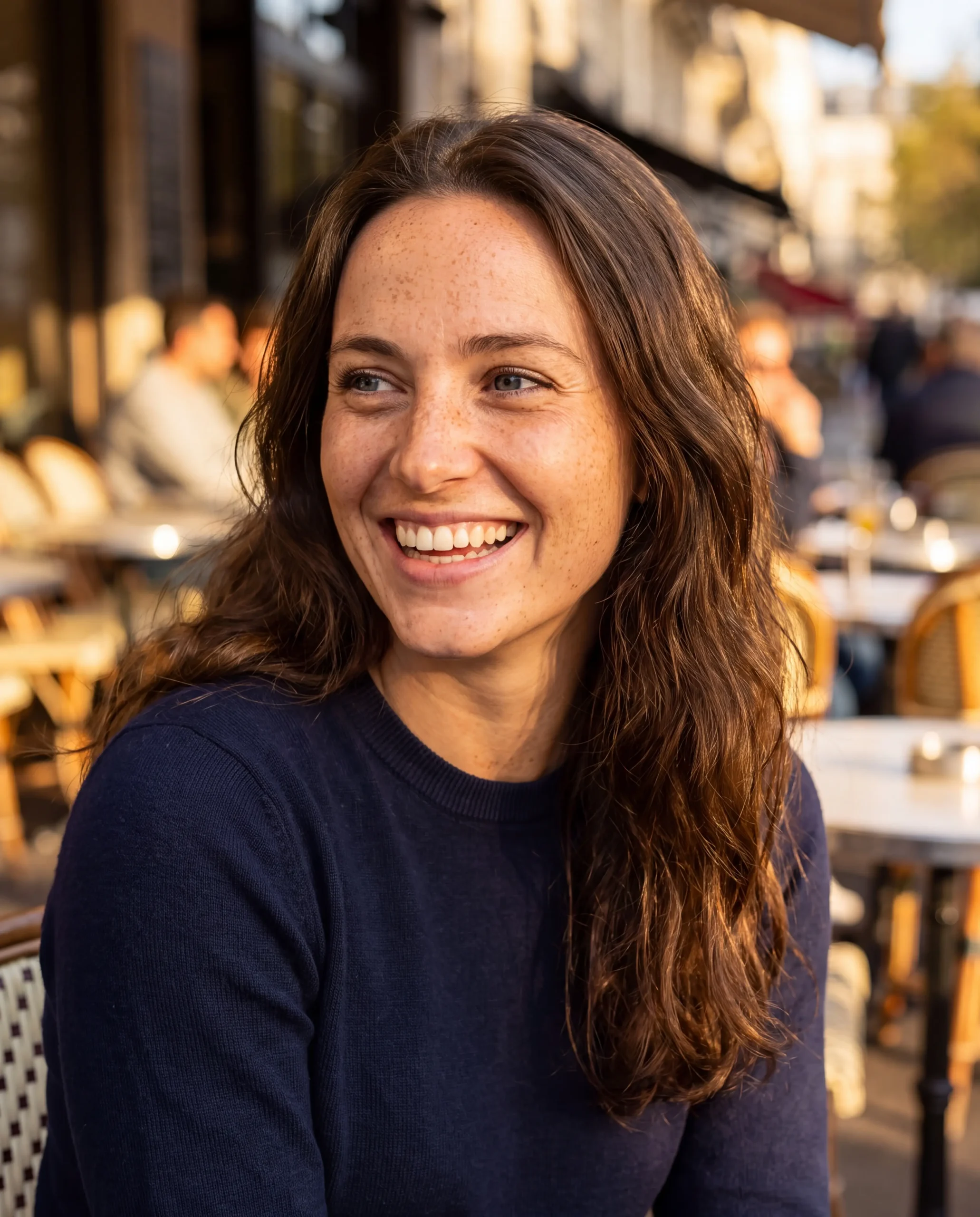
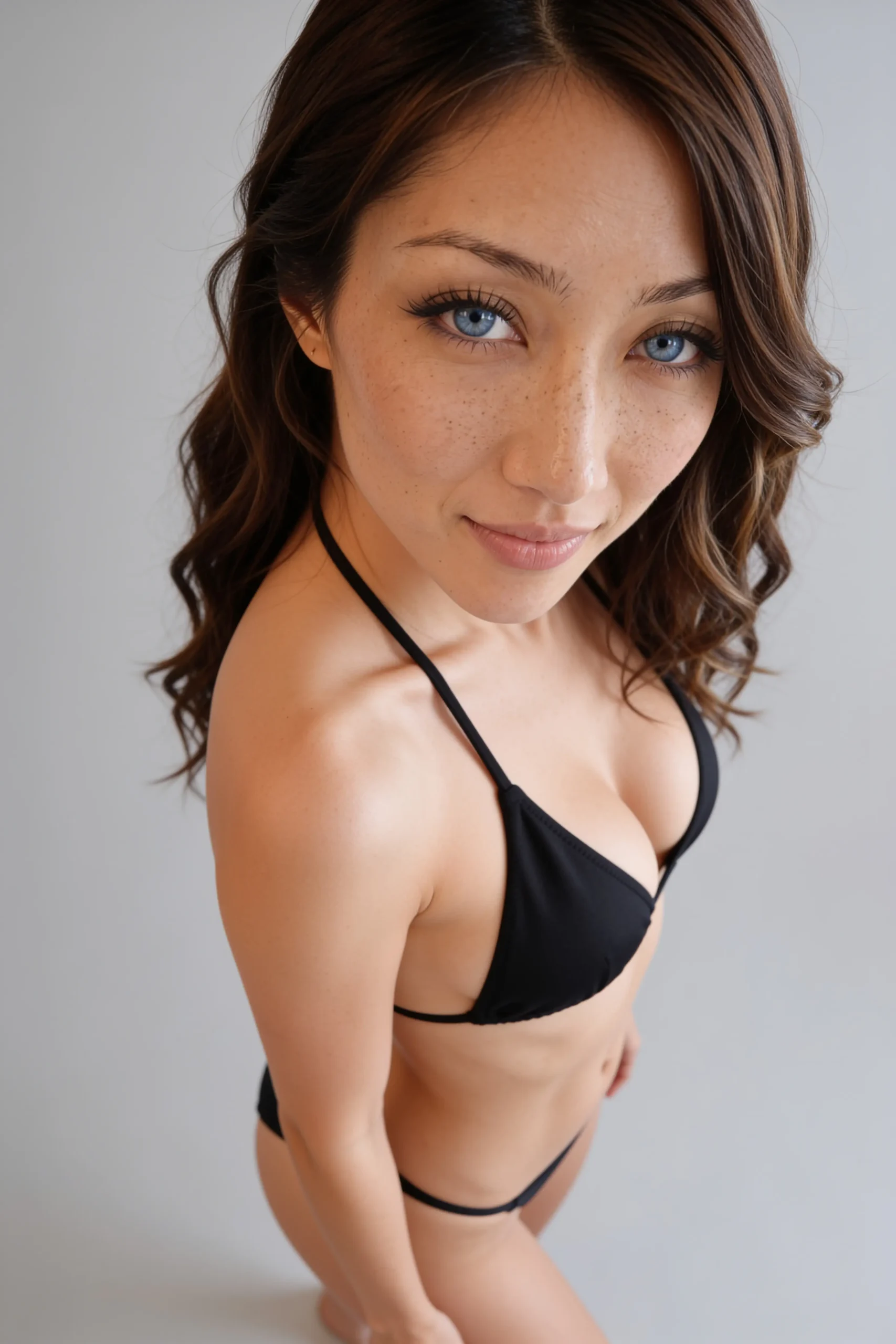
8 · Most of the archive clips were unusable
We searched every Radio folder and found only nine unique swimwear clips. Checked frame by frame, almost all of them turned into something we would never publish within a second or two. Only one was clean, and our rival AI team was already using it. Old generations can hide surprises, so check every frame before you reuse a clip.
9 · “Full body” didn’t mean full body
On the final day, two of Bella’s five full-body shots came back cut off at the shins, even though the prompt said “full body, head to feet.” We reshot both with very literal wording: “the camera is far away, her entire body is in frame from the top of her hair to the soles of both feet, with empty floor visible below her feet; nothing cropped.”
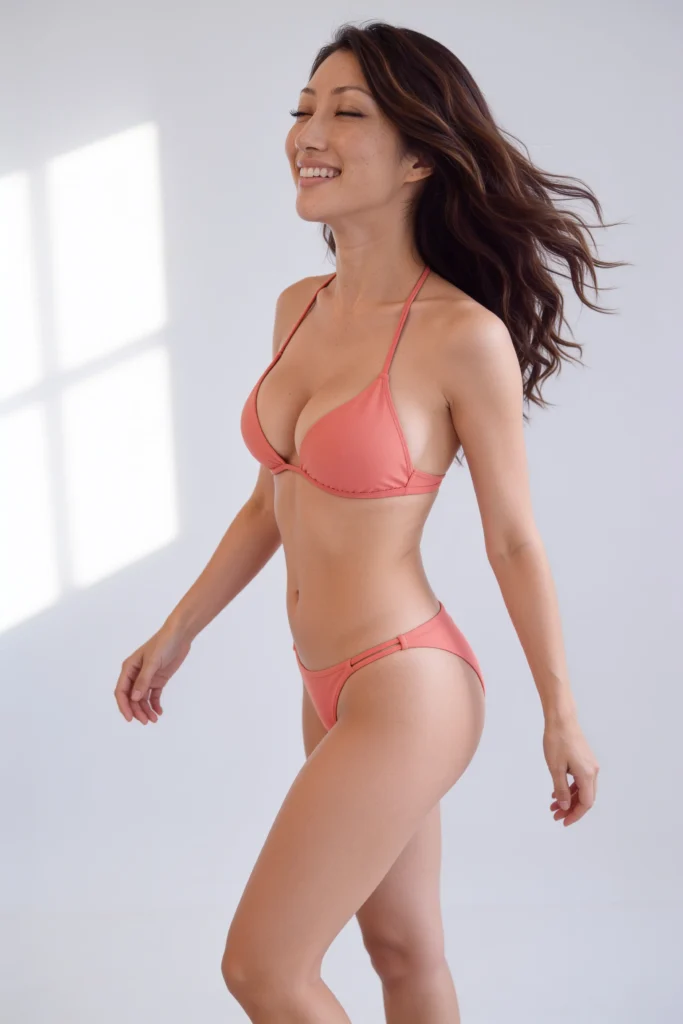
10 · Too many tools, too fast
Six image models, three Soul ID trainings (two of them retries while Higgsfield’s training queue was stuck), four video engines, all in three days. When everything changes at once, you can’t tell what fixed what. Change one thing per round.
What finally worked: real skin on the whole body
The breakthrough came last, and it was mostly about words. Almost every prompt we’d written described the face in detail and left the body to the model, so the body defaulted to plastic. When we described skin below the neck just as carefully, both characters finally looked like they had real skin from head to toe:
“Real skin on her whole body, not just her face: matte natural skin with visible pores on her shoulders, chest, stomach, arms and thighs, faint freckles and small sun spots across her shoulders, upper chest and arms, a few tiny moles, fine light vellus hair catching the light, subtle natural colour variation, slightly pinker knees and elbows, natural creases at her waist and joints when she moves. No airbrushing, no plastic sheen, no glossy oiled highlights.”
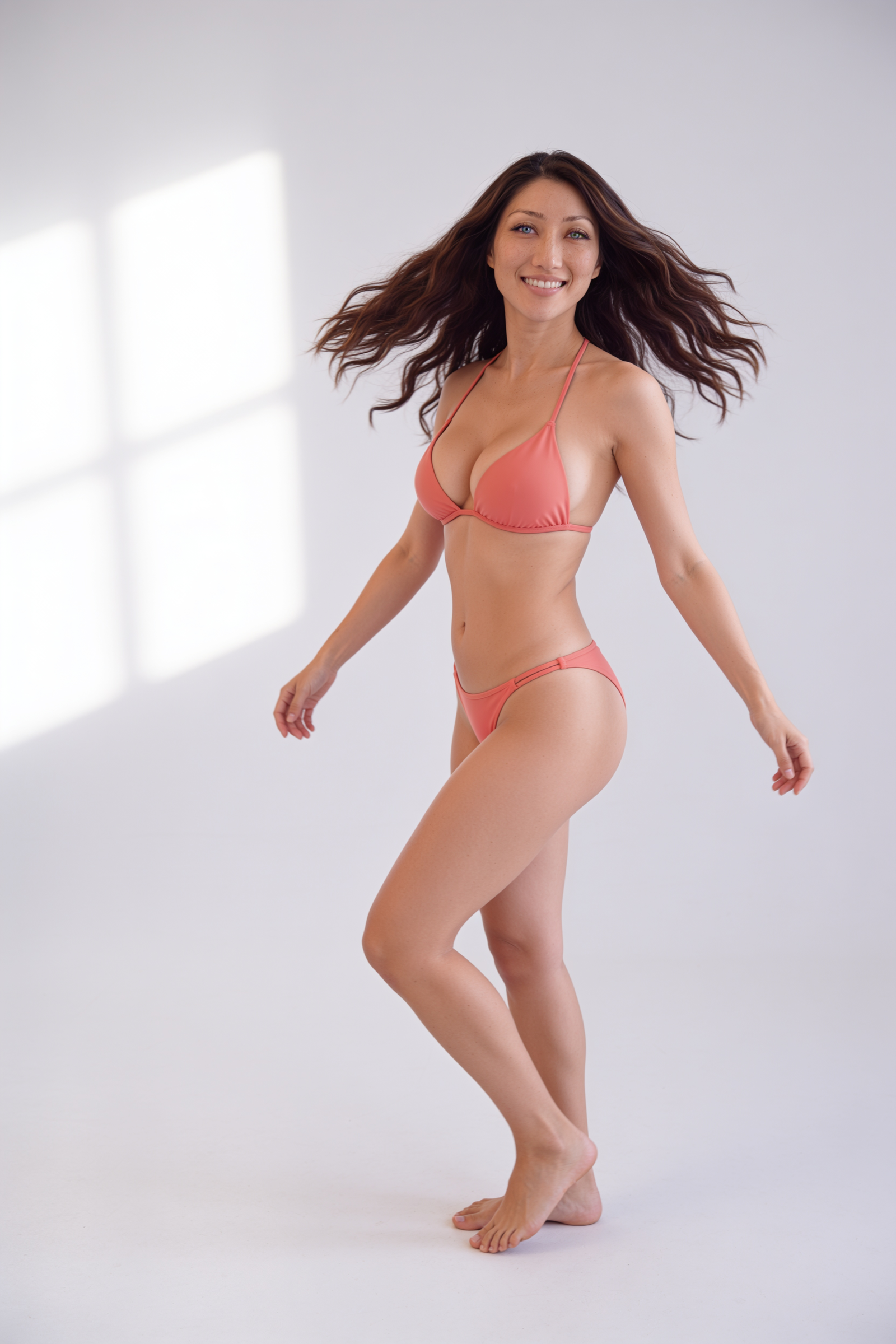
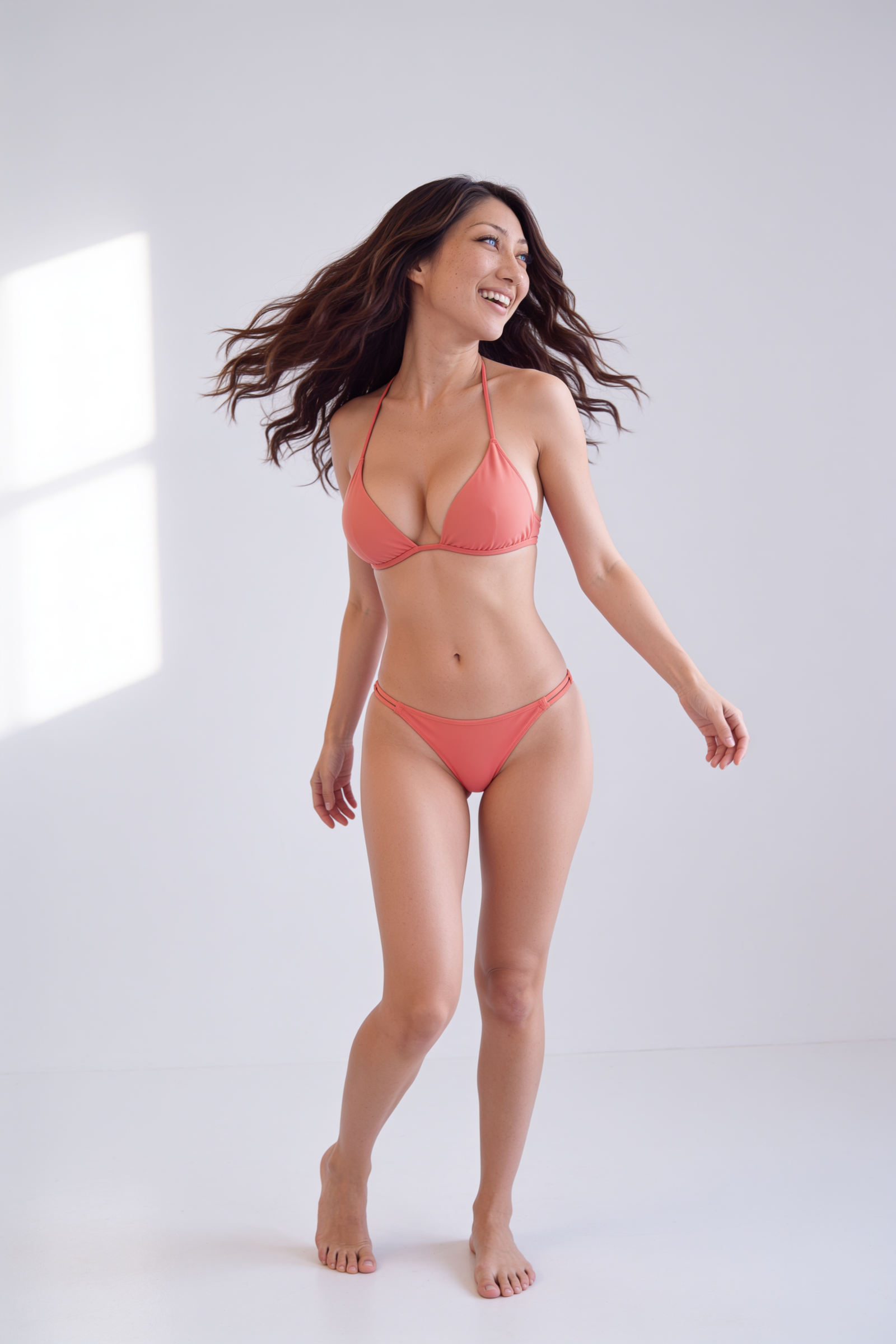
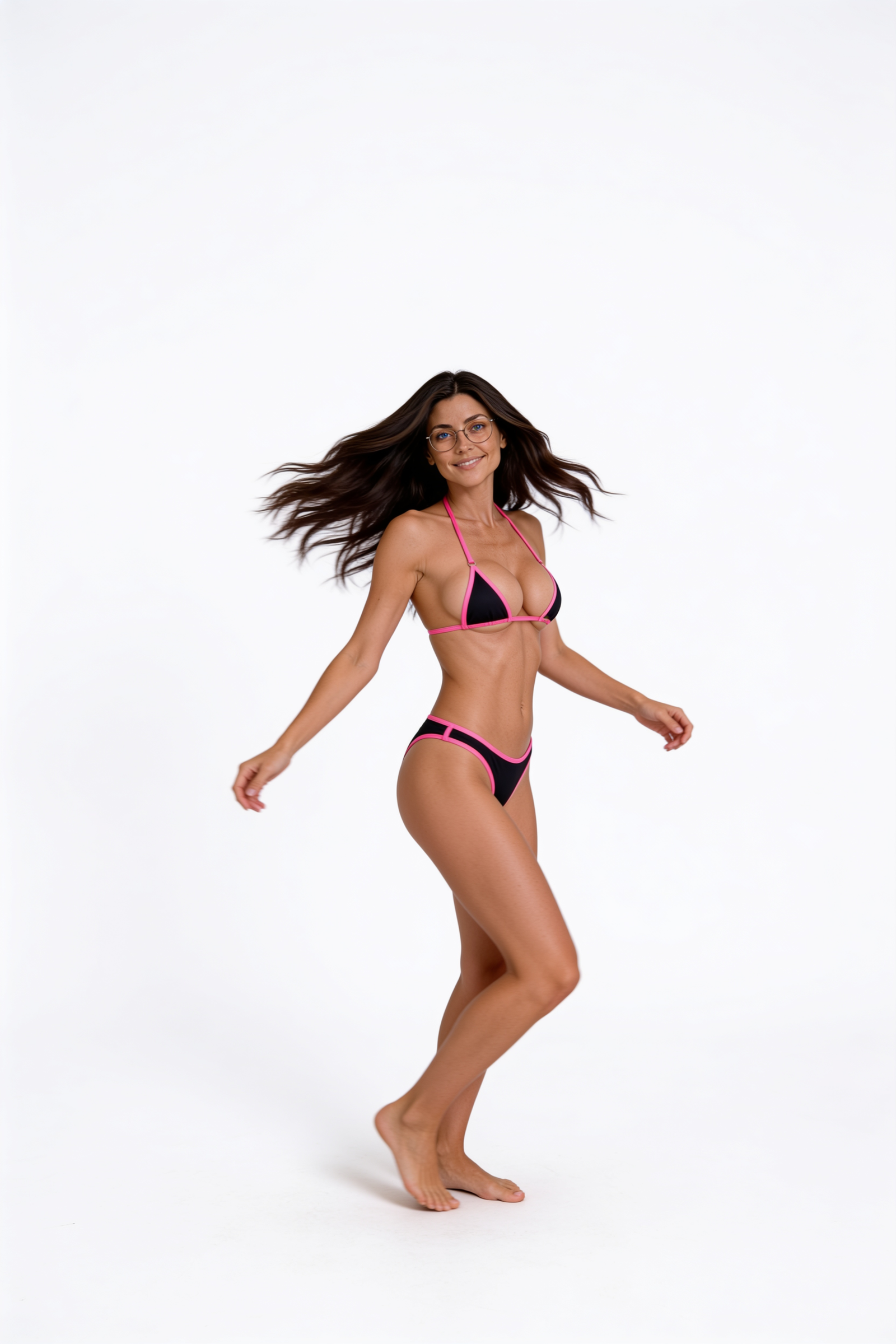
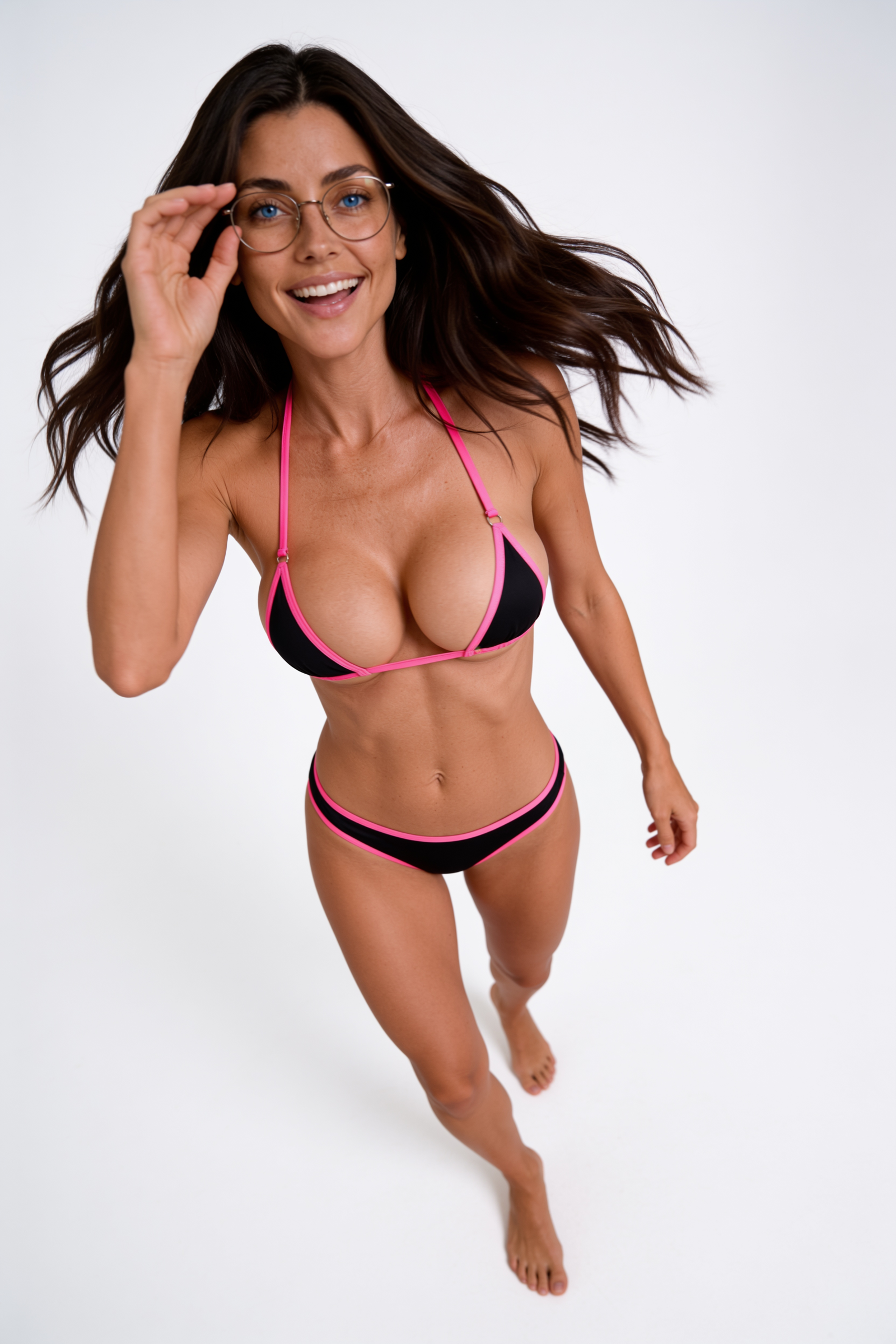
Click any photo to see it at full size. The other things that held up all week:
- Casting rounds on a pick board. Five faces, then three freckle levels, then body sets. Rodney tapped keep or reject on each photo and it saved automatically. Picking the face first made everything after it easier.
- Distinct marks. Bella’s dense freckles give a model something specific to copy instead of a generic pretty face.
- Describe the camera, not the beauty. A real camera, lens and distance, one window light, and the word “unretouched.” Ban “flawless,” “glamorous,” “8K” and “masterpiece.”
- One face across every model. Feeding the approved close-ups back in as face references made different models draw the same woman.
- A trained Soul ID for bodies. Trained on all 20 approved photos, it holds her proportions. A single reference image doesn’t.
- Edit approved stills instead of generating from scratch. Change the outfit or location and keep the face.
- Motion transfer for fair comparisons. Genjutsu copies the exact same movement onto both sides of a before/after.
✅ Our checklist for the next character
- ☐ Read the character bible first: eyes, hair, glasses, body spec, voice.
- ☐ Pull the real archive “before”, at the highest resolution, and check it against the bible.
- ☐ Run casting rounds on a pick board: face, then marks, then body.
- ☐ Describe skin on the whole body. Use an 85mm lens, four to five meters away.
- ☐ Use the approved close-ups as face references in every shot.
- ☐ Set video to 1080 explicitly. Check the first, middle and last frame of every take.
- ☐ Build zoom endings from 4K stills only.
- ☐ Check the before/after at phone size. Can’t see it? Don’t ship it.
- ☐ Make a contact sheet and 100% crops before anyone else sees the work.
- ☐ Archive every pick, prompt and reject the same day, so the next attempt starts smarter.
What it cost
| Stage | Credits (approx.) |
|---|---|
| Bella realism lab | 85 |
| Bella casting, body and swimwear rounds | 150 |
| Soul ID trainings (3) | 75 |
| Bella full-body video | 310 |
| Radio video v1 (thrown out) | 230 |
| Radio video v3 (published, subtle) | 230 |
| Full-body spin sets, both characters (the part that worked best) | 12 |
The cheapest step produced the best result. The most expensive ones were the ones we didn’t check.
Head to head
Rodney gave the same brief to two AI production teams. This run was Claude Opus 5.5 (Anthropic). Compare the results: Claude’s version and the Codex version.
💬 Which mistake have you made with your own AI characters?
Disclosure: Bella, Radio and every image and video in this post are AI-generated by Zip AI, with human editorial oversight. Model names are trademarks of their owners. Zip AI is not affiliated with Higgsfield, Google, OpenAI, ByteDance, Minimax, HeyGen or any tool named.