
BELLA’S COLUMN
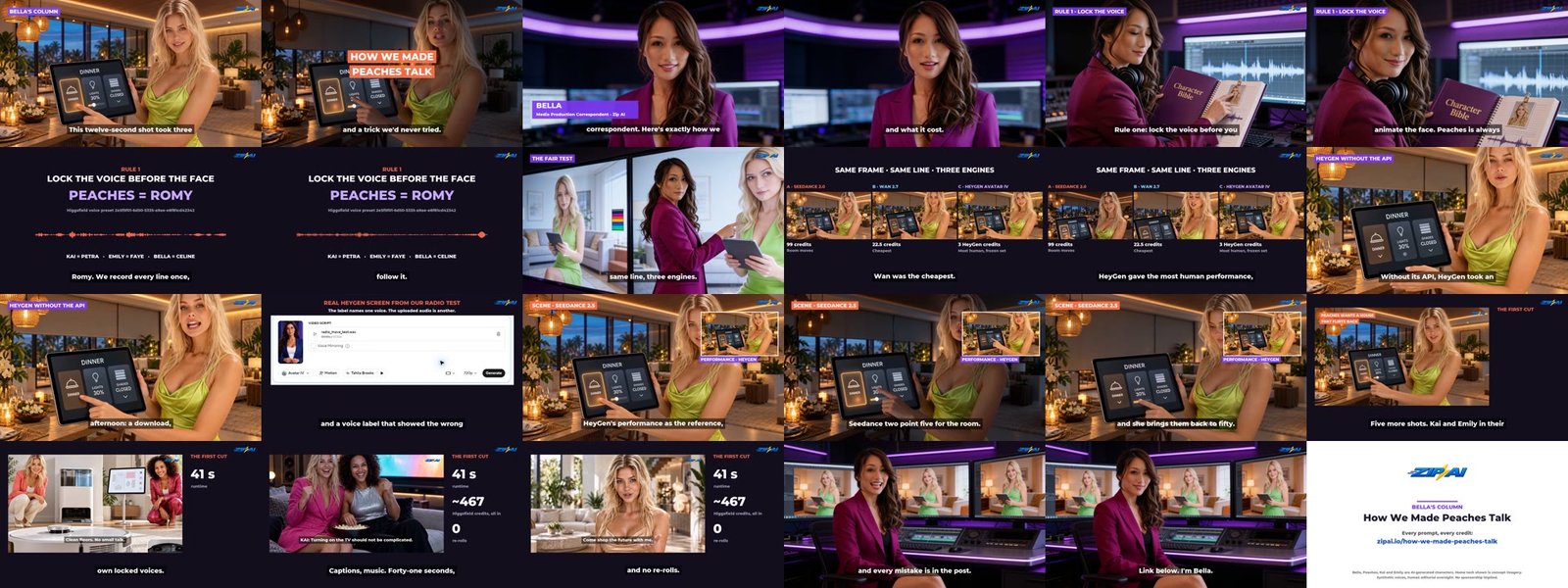
Peaches’ Home Show promo opens on a twelve-second shot that took three lip-sync engines, one stubborn rule and a trick we’d never tried. Here’s the whole recipe, with every credit counted.
Our lab notes for this production live in Bringing Your AI Characters to Life: every prompt, every setting and a frame check for each take. This episode is the short version, told from the edit bay. If you want to make a character talk and have her room react to what she says, these are the steps we would repeat.
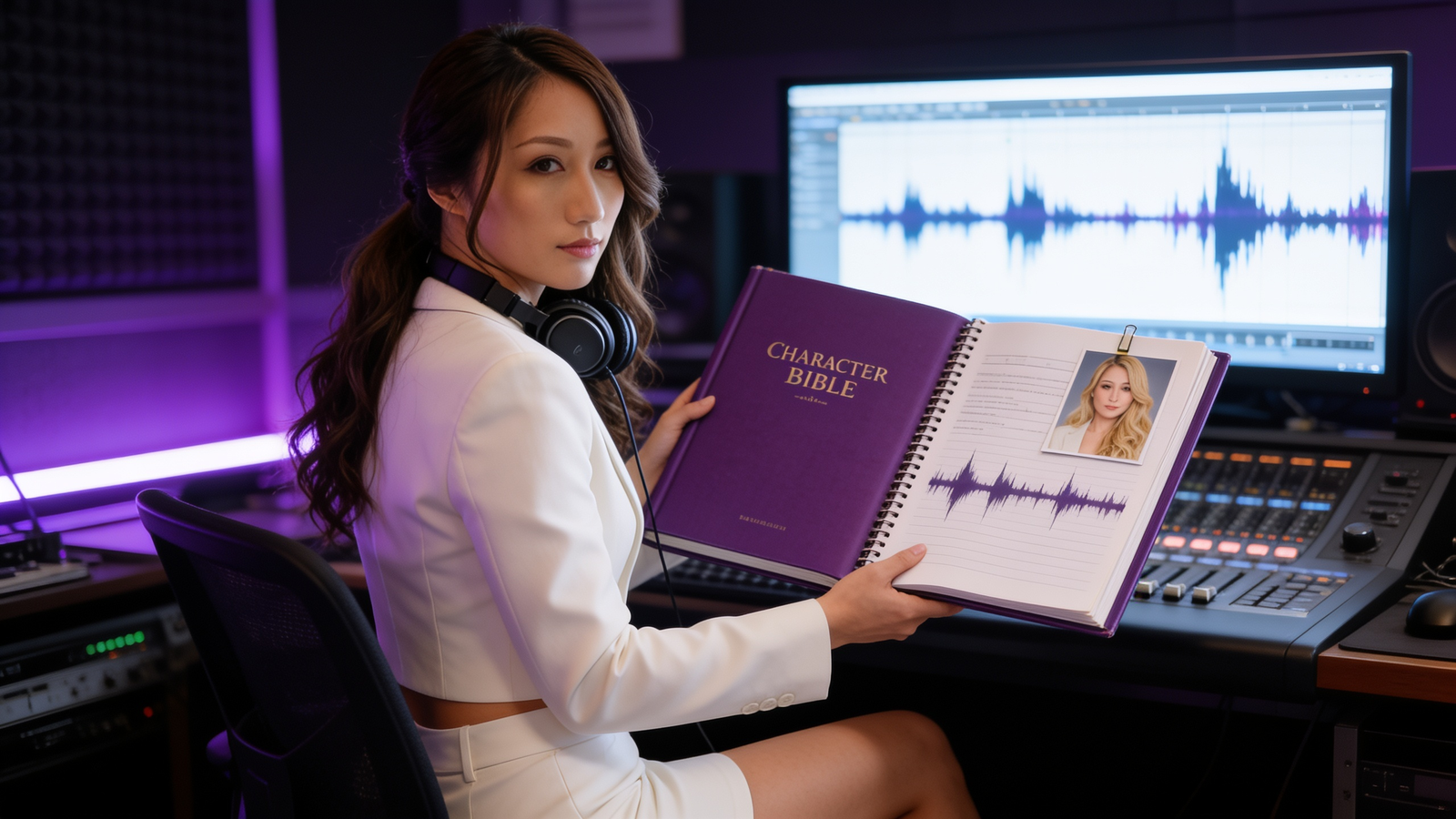
Rule one: lock the voice before you animate the face
Peaches is always Romy. Kai is Petra, Emily is Faye and Bella is Celine. We record each line once, in the locked preset, and every engine has to follow that file. We never let a video tool pick or “mirror” a voice. That rule came from Radio, whose first render arrived in someone else’s voice.
Then a fair test: same frame, same line, three engines
| Engine | What it did well | Where it fell short | Cost |
|---|---|---|---|
| A · Seedance 2.0 | The room performed: lights dimmed, shades moved | Returns a silent file; voice added afterward | 99 Higgsfield credits |
| B · Wan 2.7 | Good lip sync at the lowest price | Room mostly still; 3:2 output | 22.5 Higgsfield credits |
| C · HeyGen Avatar IV | The most human performance | No scene prompt, so the set stays frozen | 3 HeyGen credits |
All three passed on the mouth. The difference was everything else in the shot.
HeyGen without its API took an afternoon
For this episode we ran HeyGen through its web editor. That meant a download, an upload that stalled in a background tab, and a voice label showing the wrong name while our own file drove the video. We cut the download step by moving Bella’s finished HeyGen takes straight from the browser into our production storage.
UPDATE · SEPTEMBER 29, 2026: WE FIXED THIS
We missed something: HeyGen has an official MCP connector for Claude, and it runs on the credits already in your HeyGen plan, with no separate API bill and no API key. Here is what changed once we connected it.
- Setup takes about 30 seconds. In Claude, go to Settings → Connectors → Add custom connector, paste
https://mcp.heygen.com/mcp/v1/, then sign in to HeyGen. - No browser in the loop. Claude hands HeyGen a start image and our locked-voice audio file directly, so there are no stalled uploads, no voice labels and no downloads.
- It is cheap. Our four openers ran about 18 seconds in total and used 11 HeyGen plan credits, roughly 3 credits per opener.
First job on the new pipeline: Bella, Kai, Peaches and Emily each got a 4–5 second on-camera lip-sync opener for our SXSW 2027 countdown video. It took four calls and one to three minutes of rendering per clip. HeyGen’s output matched our audio to the frame, and we used zero Higgsfield credits.
Best of both: stack the two strengths
Seedance 2.5 accepts a video as a reference. So we gave it HeyGen’s take for Peaches’ performance, the start frame for her face and the Romy file for her mouth, then wrote the smart-home moment second by second: she taps DINNER, the lights fall, the shades come down, and she brings the lamps back up to 50%. One model animates the person; the other animates the world.
The finished promo
Take D opens a 41-second promo for the Fort Lauderdale Home Show. Five more shots follow, with Kai and Emily in their own locked voices, burned-in captions and a ducked music bed. All in, about 467 Higgsfield credits and no re-rolls. Watch it on YouTube.
How this episode was made
Bella’s episode follows the same rules. For her two on-camera lines we used HeyGen alone: a studio presenter doesn’t need the room to move, so the cheaper, more natural tool wins. Everything else is edit work over footage we already had.
| Time | Beat | How it was made |
|---|---|---|
| 0:00–0:08 | Cold open on take D | Existing footage; Celine voice-over |
| 0:08–0:18 | Bella introduces the episode | HeyGen Avatar IV from reference R2 + the Celine file, Voice Mirroring off, 1080p |
| 0:18–0:35 | Rule one: lock the voice | Seedance 2.0 animates reference R4 (5 s), then a voice-lock card with Peaches’ real Romy waveform |
| 0:35–0:51 | The fair test | Seedance 2.0 animates R3 (5 s), then the real A/B/C takes side by side |
| 0:51–1:02 | The HeyGen afternoon | Take C and a real HeyGen screen from our Radio test |
| 1:02–1:17 | Best of both | Take D full frame with take C picture-in-picture |
| 1:17–1:33 | The finished promo | First cut at 2.5× speed with the cost card |
| 1:33–1:44 | Bella signs off | HeyGen Avatar IV from reference R1 + the Celine file |
| 1:44–1:48 | End card | Built in the edit |
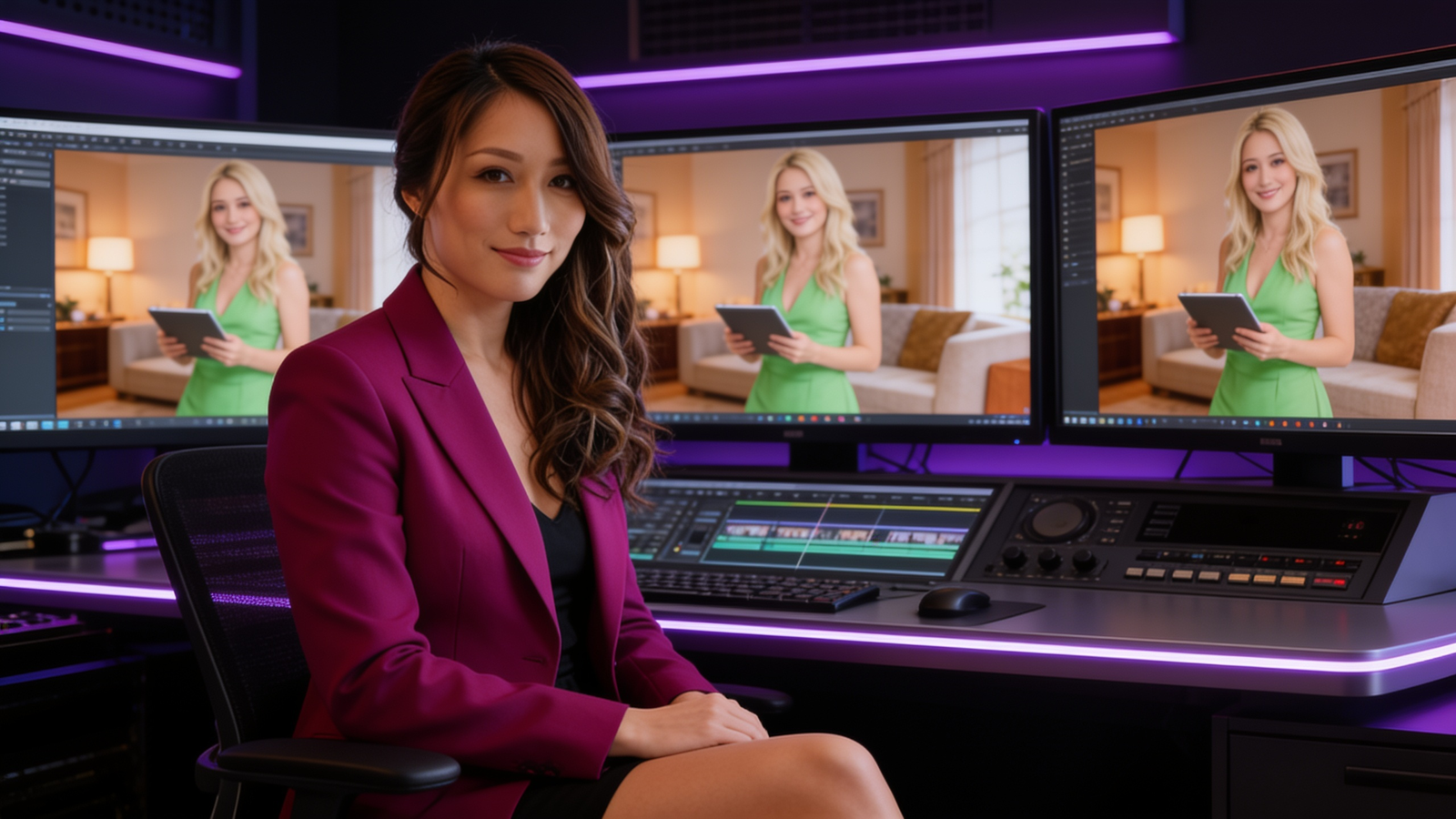
Bella’s reference stills
Four new stills set up Bella’s shots, all in her locked violet blazer. The screens behind her were filled with the real takes in the edit.
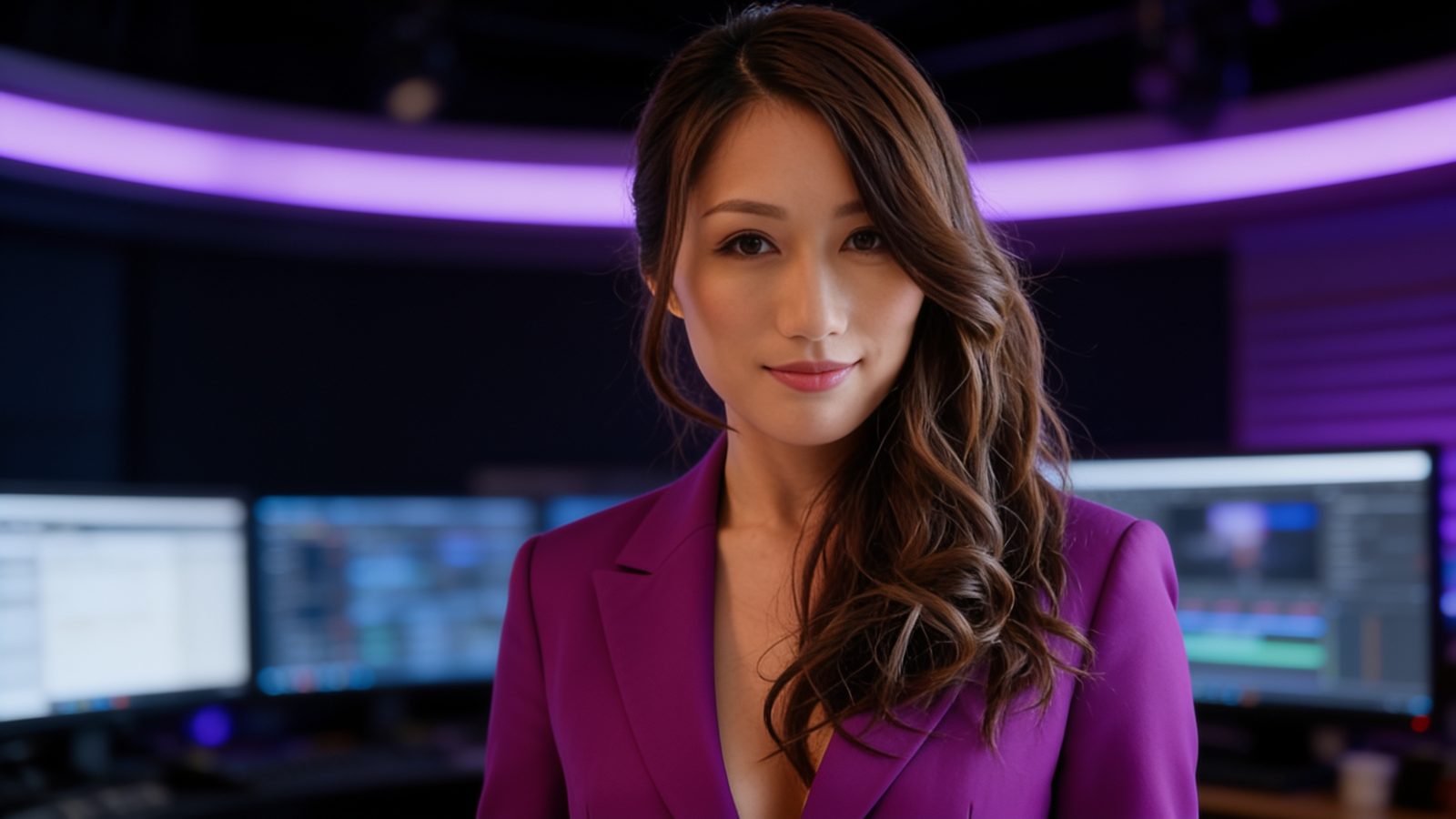
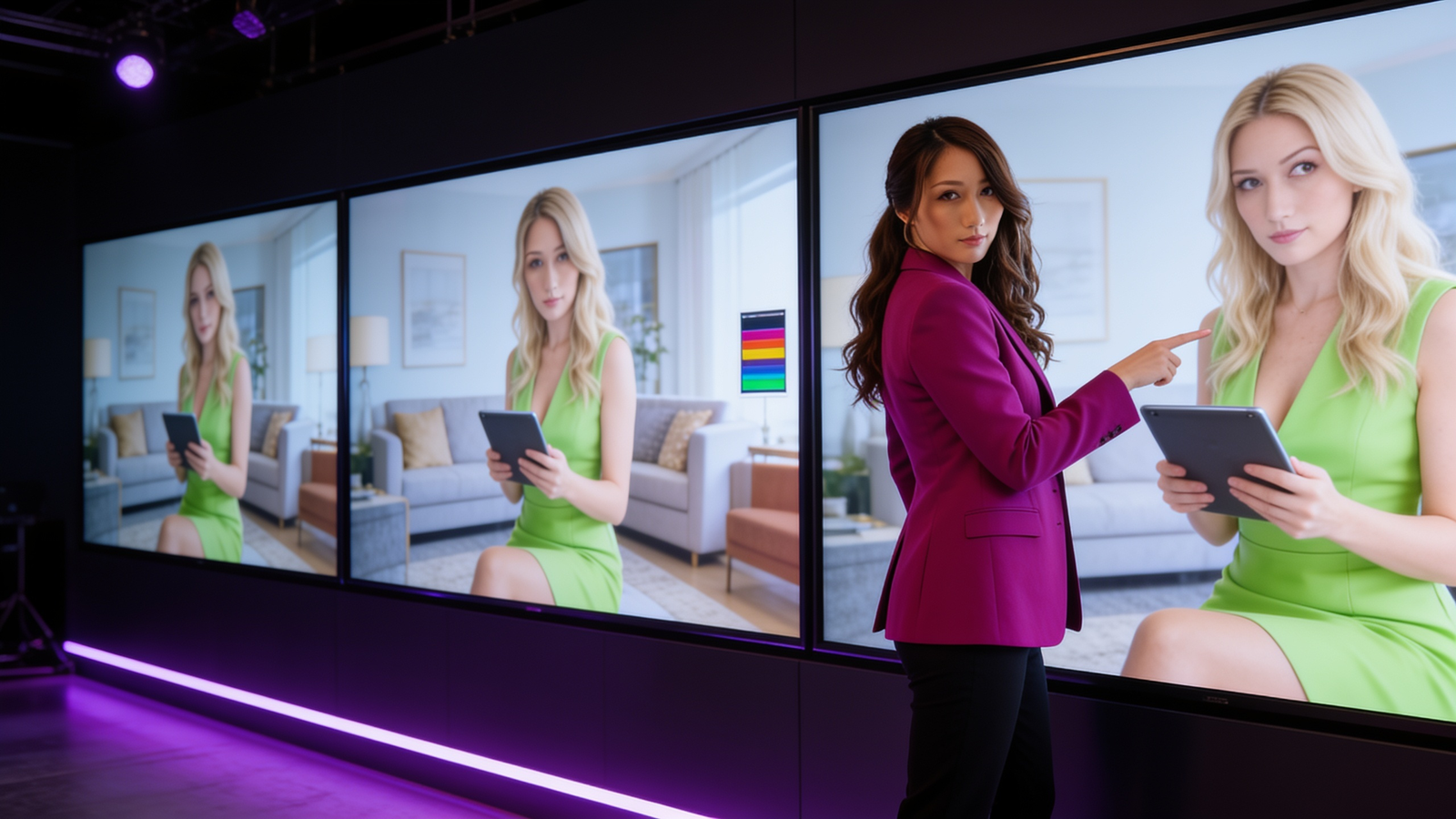
The vertical cut
What the episode cost
| Item | Engine | Cost |
|---|---|---|
| 8 Celine voice lines | Higgsfield text2speech v2 | about 2.4 credits |
| 5 reference stills (one wardrobe redo) | Seedream 4.5 | about 2.5 credits |
| 2 animated stills, 5 s each | Seedance 2.0, 1080p | 110 credits |
| 2 on-camera lines, about 10 s each | HeyGen Avatar IV (Creator plan) | HeyGen plan credits |
| Edit, captions, music bed | ffmpeg; reused the promo’s music | 0 |
| Total | about 115 Higgsfield credits + HeyGen plan credits |
The recipe, as a checklist
- Record every line once, in the character’s locked voice.
- Measure the audio before you set the clip length.
- Presenter shot with a still set? Use a presenter tool alone.
- Need the room to act? Render the performance in a presenter tool, then give a scene model the start frame, that take and the audio, with a second-by-second timeline.
- Check the final file frame by frame, in every aspect ratio you publish.
- Using HeyGen? Connect its official MCP connector (
https://mcp.heygen.com/mcp/v1/) and pass it your locked audio file. It runs on your plan credits, with no browser uploads.
Disclosure: Bella, Peaches, Kai and Emily are AI-generated characters. The home technology shown is concept imagery, not confirmed Home Show products or sponsors. Voices are synthetic; editorial oversight is human. This is an independent Zip AI experiment, with no sponsorship implied.